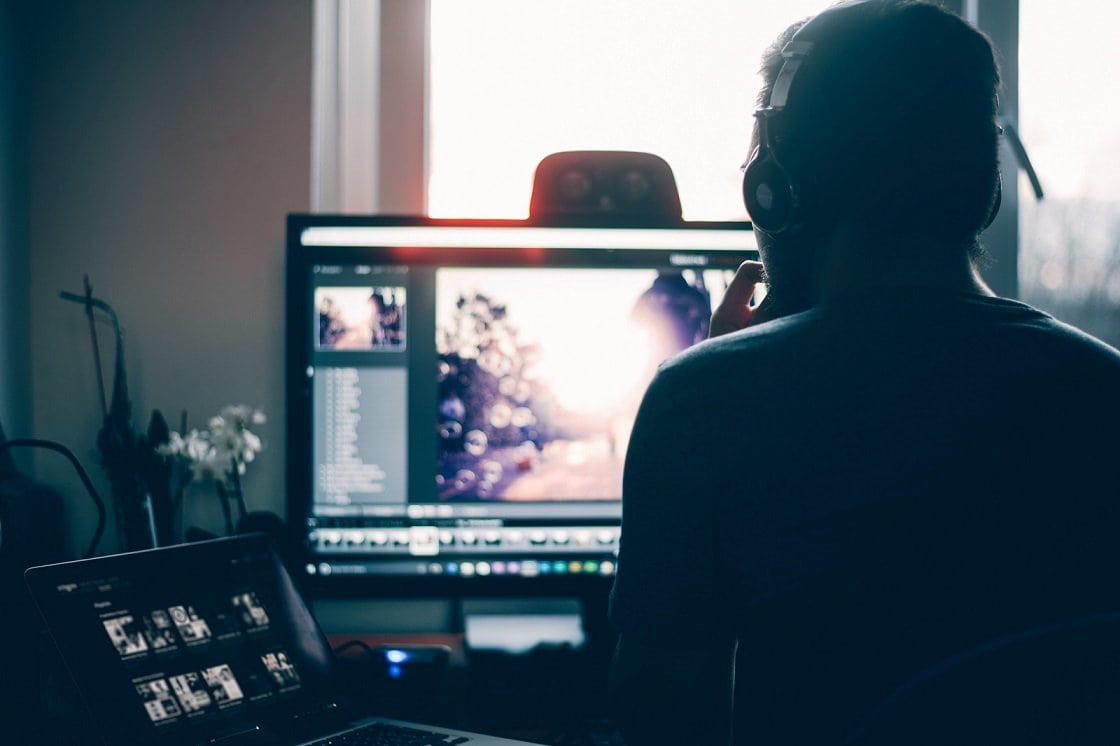
Critical tasks like video editing require a super-powerful computer to perform. Such a PC constitutes several features, and among them are large memory and a powerful graphics card. To achieve these specifications, you need to invest in the latest technology, which comes at a cost.
Using a reliable computer saves you time and improves the output quality. Some scenarios will prompt you to replace your graphics card with higher performance, while others will require you to concentrate on the RAM. However, most situations call for both improvements.
While video editing relies on the hardware, the software plays a significant role as well. Understanding the factors revolving around memory capacity and video card strength can be rewarding when building a video editing computer.
What to Concentrate on between a Better Graphics Card and more RAM
Choosing what to prioritize between a better graphics card and adding more RAM can be a puzzle. Nonetheless, several factors can guide you on what to emphasize.
For starters, your budget counts. GPUs are expensive to buy, and this influences your budget. If your computer can render and add video effects without issues, upgrading the graphics card is unnecessary. However, you must invest in a decent GPU if your computer takes ages to complete editing tasks.
Prioritize on increasing RAM capacity only if your computer shows signs of slow operation (for instance, if it takes longer to boot or initiate programs). If you have more than 8 GB of RAM, budgeting for extra RAM must not bother you, as this is enough.
A Strong Graphics Card
Video editing entails several stages, and among them, rendering is critical. While this stage relies on several factors, a powerful graphics card plays a significant role in completing this process faster and reliably. Other aspects include a faster processor and modern editing software. However, having these features is not final, as the editor needs to acquire optimal video editing skills.
We got in touch with boosthardware.com and according to them the type of graphics card used determines whether you can complete several editing tasks (like adding video effects and adjusting frames) successfully. It gets more critical when using 3D features and multiple colours. Having a decent graphics card allows you to use features like blending modes and fast blur.
Today, video editing software such as Adobe Premier requires high standard graphics card. As technology continues to evolve, computers designed for video editing have to embrace powerful and faster GPU. Future applications are likely to demand better computers with superior specifications.
More RAM
RAM plays a critical role in any computer since it is the primary storage location. It loads the operating system every time the computer boots. What more, RAM offers significant help when a PC is running programs. That said, having more RAM is necessary for any video editor. Even though it is not the ultimate determinant to a powerful computer, it is among the chief factors.
Modern video editing software comes with more appetite for RAM, and if a computer lacks this aspect, processes such as rendering will take longer to complete. Videos with high resolution consume a significant amount of memory to edit and add effects. You can install up to 64 GB or more, but your PC must not go below 16 GB for optimum operation. What matters is your budget and other programs running on your computer.
The Essentials of a Reliable Video Editing Computer
If you only do video editing for fun rather than professionally, building or buying a strong computer is unnecessary. Your skills are more relevant than investing in expensive graphics cards and extra RAM sticks. However, if filmmaking is your profession, it means that this is what you do daily. So, boosting RAM capacity and installing a stronger GPU must be a priority. It is the ultimate way to increase speed and improve efficiency at work.
While RAM and graphics card seem like the primary considerations for a video editing computer, other factors such as the processor also count. Building a faster computer is an all-rounder task since each component influence the overall performance. A PC with a slower processing speed cannot be reliable for complex and constant video editing jobs. That said, a video editor needs a decent processor besides boosting the RAM and getting a better graphics card.
All factors considered, a decent graphics card and a large RAM will not be significant if the computer lacks enough secondary storage. HD videos and images require more space, which calls for a bigger hard disk or an SSD.
Parting Thoughts
The decision to buy a better graphics card or boost the RAM capacity depends on several factors. The main memory increases overall performance while the GPU allows a computer to execute rendering and other editing tasks more efficiently. Therefore, increase the RAM only when necessary, and change the graphics card if the current one gets overwhelmed with editing tasks.