Screen recording is a common thing these days. You can record screen to make a tutorial video, demo video or game video and share to others.
Whatever you want to record, you will need a computer screen recorder, and for that we recommend Wondershare DemoCreator.
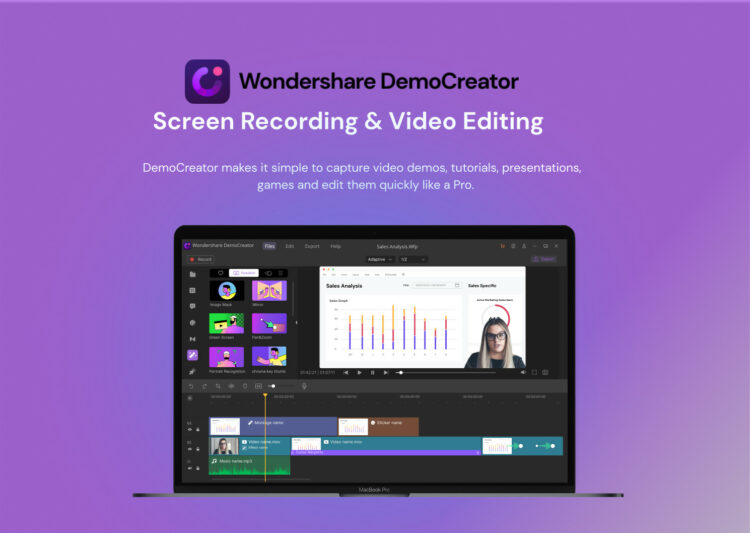
Wondershare DemoCreator is screen recording software that offers you a set of tools that goes far beyond just recording. In addition to being one of the main applications to record the content of your monitor, this cutting-edge software also allows you to edit your video clips, record the content of your webcam, record sound, use a green screen to change the background of your videos, and export your projects to a wide variety of formats. Wondershare DemoCreator is a desktop application for screen recording compatible with PC and Mac, which, in addition to recording screen content, also offers you a wide set of video editing tools. These are some of its main characteristics:
4K resolution
With this screen recorder for pc, you will be able to record your videos in a resolution of 2K (2048 x 1080), 1080 x 1080 (1:1), 1280 x 720 (HD) or 1920 x 1080 (Full HD), you can also custom your recording size that will make your fit for almost all the computer screen and video player.
Screen recording + webcam + microphone
In many cases, simply recording the content of your screen is not enough. You need an application that allows you to also record the content of your webcam and the sound coming from your microphone, just like Wondershare DemoCreator does. In this way you can comment on your videos and be much more convincing in the face of your potential audience.
Retouching the videos
In addition to its recording tools, Wondershare DemoCreator allows you to retouch your video clips with different basic video editing tools with which you will be able to rotate, trim or transform your video clips without the need to resort to third-party software. Thanks to this, you will be able to save a lot of time and effort searching and using other apps to do what, in short, you can do with just one.
Inclusion of subtitles
Captions are one of the easiest ways to make videos clearer and more inclusive, but also one of the most complicated processes for many of the users. However, with Wondershare DemoCreator you will be able to include subtitles in your videos in a simple way, customizing their fonts, transparencies and location in your clips.
Transitions and effects
Transitions and effects are one of the main keys when creating attractive videos for a wide audience. While other programs limit your options in this regard, Wondershare DemoCreator has a wide selection of transitions and effects for you to implement in your videos.
Stickers
Stickers are one of the best additions to Wondershare DemoCreator, and with them you will be able to decorate your videos in different instances to maintain a complicit tone with your audience, make your viewers simply have a little fun. Discover the wide selection of stickers in this software and include them in your audiovisual projects!
Compatibility with multiple formats
Lastly, Wondershare DemoCreator allows you to export your video clips in high quality to multiple formats such as WMV, MOV, MP4, AVI, and many more. In this way, you will be able to prepare your clips for any video editing and montage project, or adapt them specifically to the needs of streaming platforms such as YouTube.
The coming version: DemoCreator Version 5.0
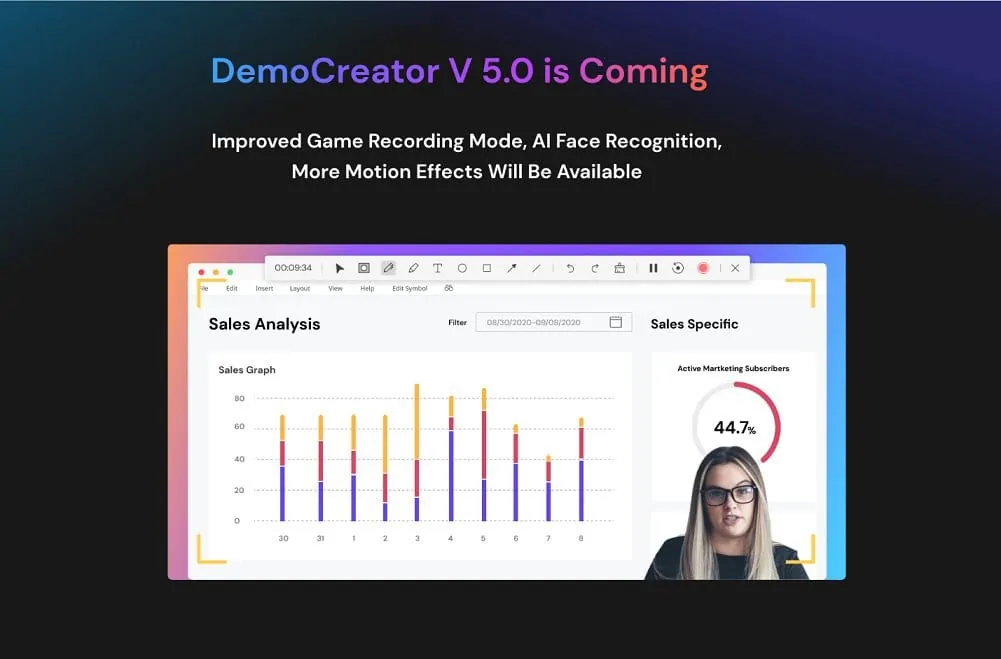
This is the coming version with some improvements such as:
– A more advanced recording system with AI matting technology. This technology can recognize faces very accurately.
– 3 recording modes: new recordings, screen capture, and game recording. Each mode has a different target:
* New recordings: With this mode you can capture screen, audio and webcam.
* Screen capture: With this mode you can capture screen and audio only.
* Game recording: This mode allows you to capture dynamic in-game movements better than ever.
– Flexible webcam recorder that allows you to set up the webcam mirror direction. You can also set the style of your recording frame before execution.
How to record your screen with DemoCreator Screen Recorder?
Record your screen (or webcam)
You must select the recording area, then set the frame rate. Already? Now you can instantly record your screen, microphone and webcam separately or together.
Edit
You can edit your recordings to make them “worthy” to be shared. There are various interactive effects to add. You can also trim the video, increase or decrease the speed, and add some annotations.
Save and share
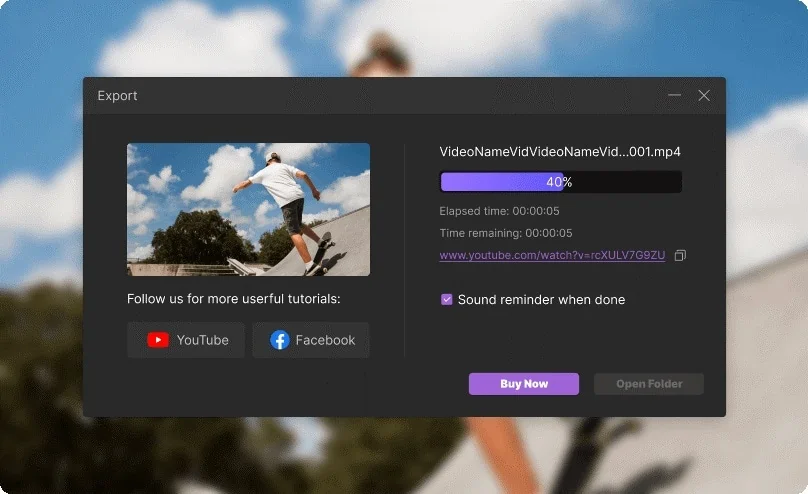
Now save your recording in the format you like. After that you can immediately share it.
Conclusion:
Wondershare DemoCreator is software used by all types of professionals and institutions, from marketing and sales-oriented companies to teaching or research centers, as well as being one of the favorite tools of many professionals and, of course, thousands of YouTubers who have managed to make their respective channels their main source of income.
You can download Wondershare DemoCreator if you want to start taking advantage of all the virtues of this perfect video recording and editing software for beginners and experts. Easily record the contents of your screen, edit them on the fly and create unforgettable videos with this software! And don’t forget, more powerful editing functions are coming soon!