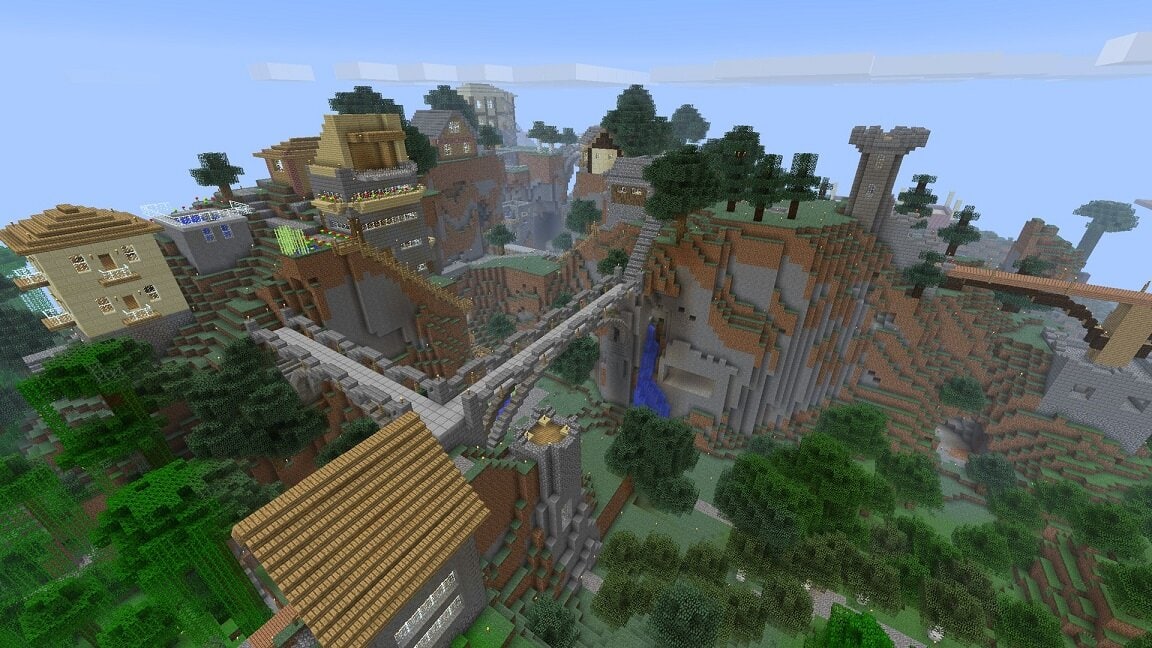
Minecraft is arguably the biggest game across the world. The main reason for the game’s success is the variety of games that have been created within its framework. One of the primary forces behind the game’s success on the PC is the variety of game servers provided for the players. The servers support multiplayer gaming in a broad mix of worlds. It has everything starting from role-playing, economy building, and PvP battles.
Building your server is an awesome idea, and it’s also not as complicated as you may think. If building your own has not crossed your mind, the following are the benefits of self-hosted and working with a game hosting provider.
Guaranteed Support
When the self-hosted server is offline, you will be forced to resolve the whole issue yourself. But when the host server is online, you only need to contact the service providers who are available 24/7 for support. Examples of successful public Minecraft servers that offer the best support include Manacube, Mineplex, Brawl, and Minescape.
It Will Improve Performance
When you host a server on your PC, any applications running on the computer will impact the resource usage and even slow down gameplay. You don’t want a game server that lags and has a lot of downtimes. When you host a server in the cloud, you can relax because the game server will have a dedicated resource to run perfectly.
Privacy and Security
As an administrator, you will have control over who you will allow to the server and who you will not. You will also be able to prevent hacking and other bad behavior by screening all players and moderators.
As the administrator, you will also be in charge of the security patches and settings. Ensuring you have all the protection, you will minimize any downtime and losses caused by hacking and non-compliant players.
Availability
If you host your Minecraft server locally, this will require you to have your computer powered and logged on constantly to allow players to connect to the game. You also need to hope your internet connection is reliable enough to keep your server online.
However, when the server is hosted in the cloud, you will have access to almost 100% network uptime. You won’t be forced to keep your computer powered on, and the players will have access to your server anytime.
Latency Will Be Lower
When you host the server on your computer, you will be reliant on the residential internet connections to offer you the low latency required for an awesome gaming experience. However, you might find that your ISP has not been designed to support a low latency gaming experience for you and several other players.
But with the server hosting in the cloud, it will use enterprise-grade network channels to makes sure all the players get the best connections to the server and the low latency gaming experience every time they get connected.
Reduces Cost
For you, to power your computer throughout could be an expensive endeavor in the long run. Your computer draws an estimate of 500 watts of power when loaded with a game server running 24hours a day. If the cost is 15c for 1 KWh, it will cost you at least $648 annually in power bills alone, not calculating the cooling and component replacement.
However, when you choose a cloud server, your costs are likely to be significantly lower. It’s reasonable compared to what you might have used if you considered powering and managing your computer the whole year.
Control of Mods and Plugins
Developers have developed numerous mods or software plugins that modify the games’ character, tools, creatures, weapons, and appearance. You are in charge of deciding what will be allowed and what will not, and this makes the players experience your responsibility.
A good hosting provider will help you set up plugins and Mods with just a single click, making it easier to start and test your ideas. Most reputable Minecraft hosting providers will help you install plugins on your server and can deal with any issues or conflicts you may experience.