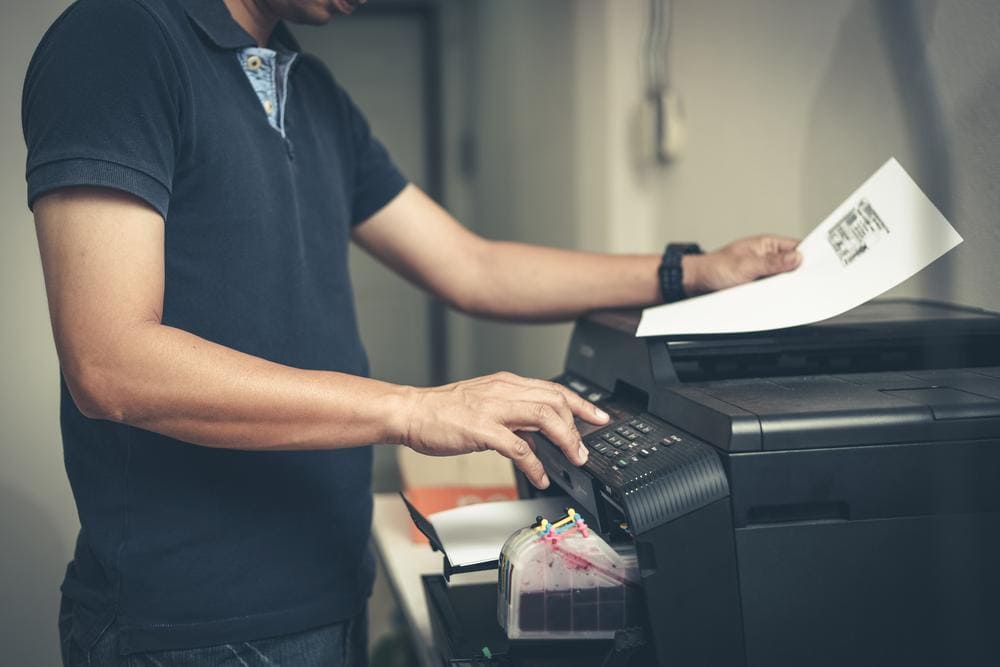
If asked, could you recall the model of your printer? How about the defining features and how to maintain it? If you drew a blank, you are not alone, but you may not be getting the most out of your printer and could be missing out on some benefits, or potentially putting your printer in harm’s way. Let’s hit pause on the office chaos and take some time to re-acquaint ourselves with the printer and learn about how you can get the most out of your printer. Let’s get into it.
Understand your energy ratings and practises
Society is changing as we focus the lens on minimising environmental harm. Not surprisingly, printing manufacturers have also followed suit and are being more transparent and critical in their assessment of a devices energy star rating. This is clearly labelled on your printer, so make sure you know what you are working with and can plan your usage accordingly. You can also educate your team on the correct way to dispose of your HP printer cartridges after use, and literally, get more out of your printer if technology with the materials and metals used to create future cartridges. You can recycle these yourself, or organise a time for your cartridges to be collected by the right entity.
Use genuine printer cartridges
It’s a sad fact that professionals continue to order counterfeit printer cartridges, despite our knowledge of how unethical the practice is. It can also cause irreparable damage to your printer, rendering it out of action or printing at an inferior standard than what it is accustomed to. There is no point in investing in a great printer if you cannot get the most out of it with the printer cartridges that have been specifically designed to be compatible with your printer. Quality products produce quality work, so don’t cut corners here and start printing to a higher standard by only using genuine printer cartridges.
Keep a clean and tidy printer
We hold our offices to a high standard of cleanliness, but the printer area is often in tatters. Don’t act as if yours isn’t! Like anything, you won’t get the best from your printer if it’s not being cared for, and so task a few employees to champion this initiative and ensure that all paper jams are fixed, the trays remain free of clutter, and the printer is dust-free. You can use a microfiber cloth to clean your printer, delicately wiping dust from the scanning flatbed, as well as any touch screens that might be present. Try and avoid cleaning your printer with any wet cloths, and save that for the experts who administer your printer maintenance appointments.
Only print what you need
It seems like a simple premise, and yet there are people in the office who insist on printing in colour and failing to utilise the double-sided function. Your printer is, of course, equipped to take on those colour print jobs, but if you educate your team on the expense and waste that is incurred with unnecessary colour jobs, you will get more out of your printer. Double-sided printing is another way to minimise waste, and your reams of paper will last longer if you take this on.
No matter what size business you work in, a printer is still a sizeable investment and one that you want to get the most from. By getting to know your printer better, you can adequately maintain it and start printing to a higher standard. Remember than maintenance appointments should occur at regular intervals in the year, so don’t cut corners and let your printing care lag.